Why Do Safari and Firefox Need Site-Specific Fixes for TikTok, Netflix, and Instagram — But Chrome Doesn’t?
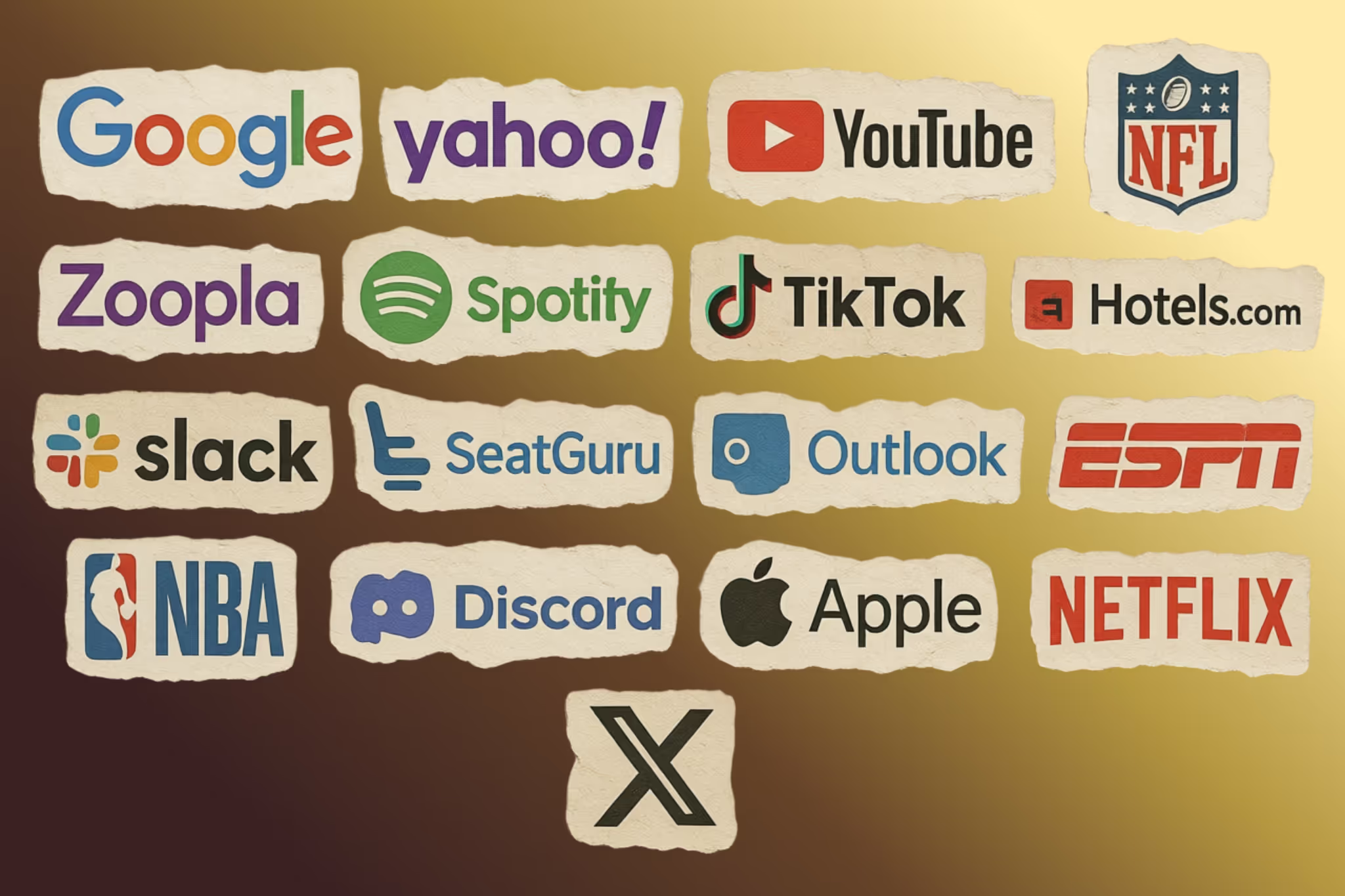
Some browsers ship code that checks which domain you’re visiting and changes how the page renders based on it. Yup, you read that right. If site == X, do Y. TikTok gets special treatment. So does Netflix. So does Instagram. And so does SeatGuru. Safari and Firefox both do this. Chrome doesn’t. That tells us something interesting.
Most people assume browsers simply display HTML according to web standards. In practice, modern browsers contain thousands of special-case behaviors written specifically for individual websites.
These rules often look like:
- “If the user is on this domain, render things differently.”
- “If this API call happens on that site, alter the behavior.”
- “If the video belongs to a certain platform, don’t pause it the default way.”
This is not an unintended bug. It’s a built-in part of how today’s web works, shipped to billions of devices worldwide.
The source code behind these systems is public. You can inspect them in WebKit or Firefox’s compatibility intervention system. These domain-specific checks are compiled directly into browser engines.
The source code is right there if you want to explore it yourself.
Firefox’s about:compat
If you open Firefox and type about:compat into the address bar, you’ll see a list of website-specific interventions with toggle switches beside them. Disabling those fixes can instantly break certain sites.
Firefox’s WebCompat system can:
- inject custom CSS and JavaScript into selected domains,
- override User-Agent strings for sites that incorrectly identify browsers,
- patch compatibility problems that would otherwise make the web feel broken.
These interventions are usually tracked in Mozilla’s Bugzilla, complete with bug reports and sometimes records of failed outreach attempts to site owners.
In other words, instead of waiting for websites to repair themselves, browsers often solve the problem directly.
Safari’s “Quirks”
Safari’s WebKit engine refers to these workarounds as “quirks.” The file Quirks.cpp inside WebKit contains thousands of lines of domain-specific logic.
One comment in the source code states:
Facebook, X (twitter), and Reddit will naively pause a <video> element that has scrolled out of the viewport, regardless of whether that element is currently in PiP mode.
Because of that, the browser detects those domains and changes how Picture-in-Picture handling works.
Another comment says:
FIXME: Remove this quirk if seatguru decides to adjust their site.
That line suggests browser engineers attempted outreach, but ultimately the workaround stayed because the website never updated its implementation.
The commit history shows many recent examples. Over the past few months alone, WebKit added domain-specific fixes for:
- Zillow floorplan images failing to center correctly,
- TikTok incorrectly showing “please upgrade your browser,”
- unstable resizing behavior in Instagram Reels,
- Netflix popover dismissal bugs,
- Twitch pausing PiP videos when switching tabs,
- Amazon Prime Video refusing playback in Safari.
Every one of these patches shipped to all users.
Chrome Defines What “Works” On The Web
What matters is that these quirks are not just fixing broken websites. In many cases, they exist because the modern web is effectively built around Chrome.
The cycle usually works like this:
- Chrome ships a new feature or behavior.
- Developers adopt it because Chrome dominates the market.
- Other browsers are forced to either:
- implement matching behavior,
- or create custom workarounds so websites don’t break.
By the time Safari or Firefox catches up fully, millions of users may already depend on browser-specific compatibility patches.
WebKit even contains User-Agent overrides that make Safari pretend to be Chrome on certain streaming or video platforms. These websites intentionally degrade or block non-Chrome browsers.
Firefox performs similar User-Agent spoofing through its compatibility interventions. Mozilla’s own wiki explains that some websites “block access completely, display a different design, or provide different functionality” depending on detected browsers.
This creates a feedback loop:
- Developers optimize for Chrome first.
- Websites work best in Chrome.
- Other browsers compensate.
- Users blame browsers instead of websites.
- More users migrate toward Chrome.
- Chrome’s dominance increases even further.
These Workarounds Go Much Deeper Than CSS
These fixes are not limited to visual adjustments.
Browsers modify:
- scrolling behavior,
- touch event handling,
- viewport calculations,
- image MIME processing,
- mouse event simulation,
- zoom handling,
- storage access,
- scrollbar rendering,
- autocorrect behavior.
For example, WebKit contains logic specifically written for Amazon’s product image zoom feature.
One source comment states:
When panning on an Amazon product image, we’re either touching on the #magnifierLens element or its previous sibling.
Safari recognizes when users interact with Amazon product pages and changes how touch events translate into mouse events so the zoom interaction works correctly.
The website assumes behavior Safari does not normally provide, so the browser reproduces it exclusively for Amazon.
Why Chrome Doesn’t Need Massive Quirks Files
Firefox exposes about:compat.
WebKit ships Quirks.cpp.
So where is Chrome’s equivalent?
The answer is straightforward: most of the web already behaves the way Chrome expects.
When Chromium-based browsers hold over 80% of browser market share, developers naturally prioritize Chrome compatibility first. If a site works correctly in Chrome, many teams consider the task complete.
When Safari or Firefox fail, smaller browsers must adapt.
Chrome no longer simply follows the web. In many ways, the web follows Chrome.
That imbalance shapes the modern internet.
When Chrome changes behavior:
- websites update to match it,
- competing browsers either imitate it,
- or risk compatibility issues.
This situation closely resembles the old Internet Explorer era, when developers primarily targeted IE and the rest of the ecosystem struggled to keep pace.
The dominant browser changed, but the underlying pattern remains surprisingly similar.
Browser Vendors Usually Fix Problems Immediately
At first glance, you might wonder why browser vendors do not simply ask websites to repair their code.
Sometimes they do. But practically speaking:
- users blame browsers when sites break,
- vendors cannot wait months for third-party fixes,
- many websites no longer have active maintainers,
- the original developers may have left years ago.
For browser engineers, shipping a small workaround is often faster and cheaper than coordinating with a large organization.
A WebKit engineer even wrote a blog post describing how a quirk for FlightAware was eventually removed after the website fixed its implementation.
For a period of time, however, Safari users only had a working experience because the browser shipped a domain-specific patch for flightaware.com.
Your Website Might Already Be Receiving Special Treatment
One of the most interesting things about browser quirks is that developers often never realize their site is being patched behind the scenes.
There are no:
- console warnings,
- error messages,
- notifications saying “the browser just fixed your bug.”
Everything is intentionally invisible.
If you mostly test in Chrome, the risk becomes even larger. Your site may appear stable simply because your assumptions happen to align with Chrome’s behavior.
Other browsers must then choose between:
- letting the site break,
- or adding your domain to a compatibility list.
That is why regularly testing in Firefox and Safari still matters.
The Web We Want vs The Web We Actually Have
Specifications are the map. Quirks files are the terrain.
We once believed web standards would eliminate browser-specific behavior after the Internet Explorer era. Instead, browser-specific logic simply moved inside browsers themselves.
Today, non-dominant browsers contain thousands of workarounds designed to preserve compatibility with a web ecosystem heavily optimized for Chrome.
Some of my own websites have appeared in those compatibility lists. Yours might already be there too.
And the lists keep getting longer.
Tags
Related posts
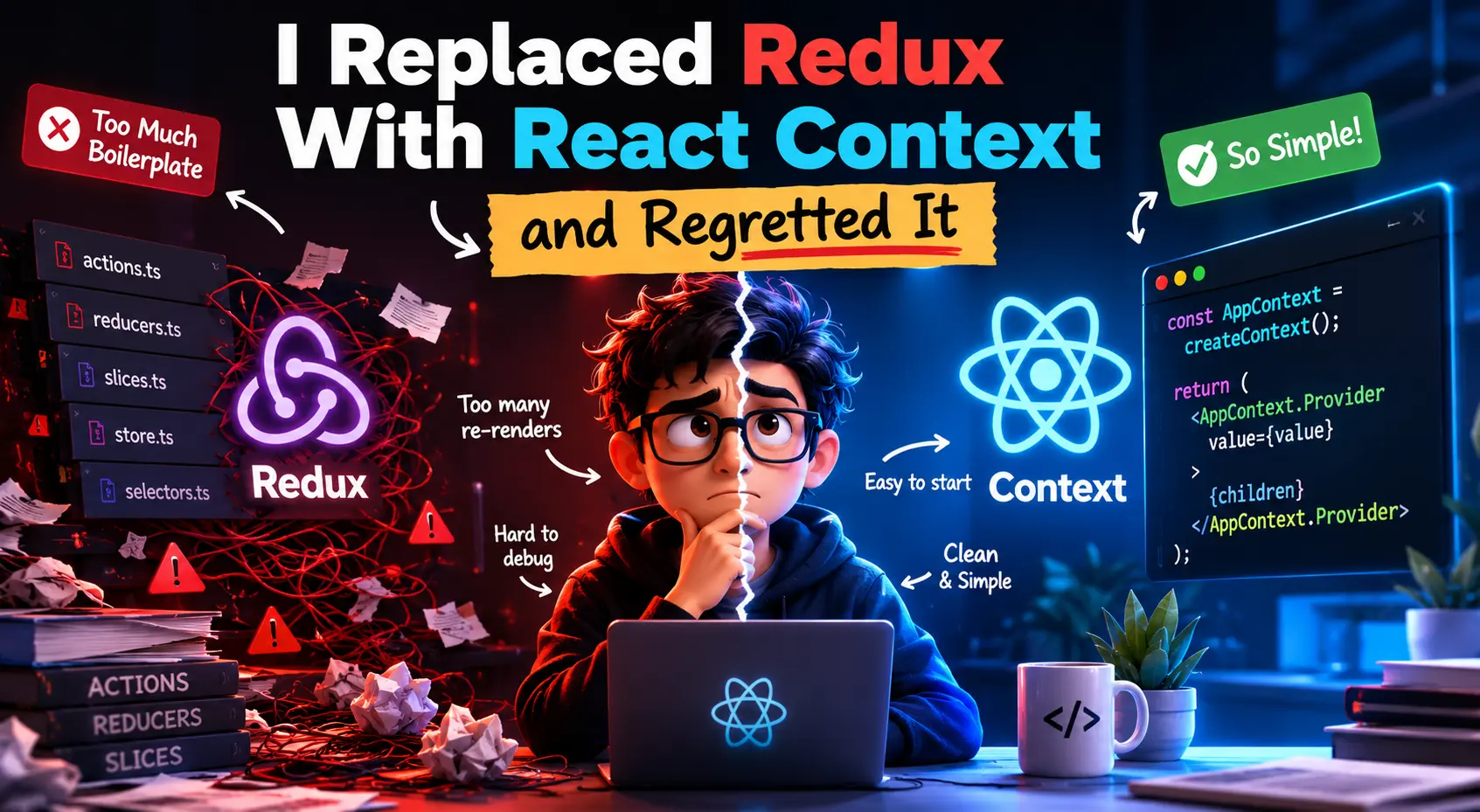
I Replaced Redux With React Context and Regretted It: Lessons From a Growing React App
Can React Context replace Redux? I thought so too. After replacing Redux with React Context in a growing React application, I started running into re-rendering issues, scalability challenges, and unexpected performance problems. Here's what I learned, when Context works well, and when Redux Toolkit is still the better choice.

React WebRTC: Failed to set remote answer sdp Fix
Spent hours debugging InvalidStateError: Failed to set remote answer sdp in a React WebRTC application using Simple-Peer and Socket.IO. The real issue was not the SDP itself, but duplicated signaling events, incorrect signaling states, and React lifecycle behavior. Here is the actual cause and the fix that finally worked for me.
How to Use Google Maps More Effectively With Features Most People Don’t Know About
Most people only use Google Maps to get from point A to point B. But after using it almost every day for years, I realized the app has a lot of small but incredibly useful features that most users completely overlook. From saving parking locations and downloading offline maps to checking Street View before visiting unfamiliar places, these are the Google Maps hacks that have quietly helped me save time, reduce stress, and make everyday travel much more convenient.