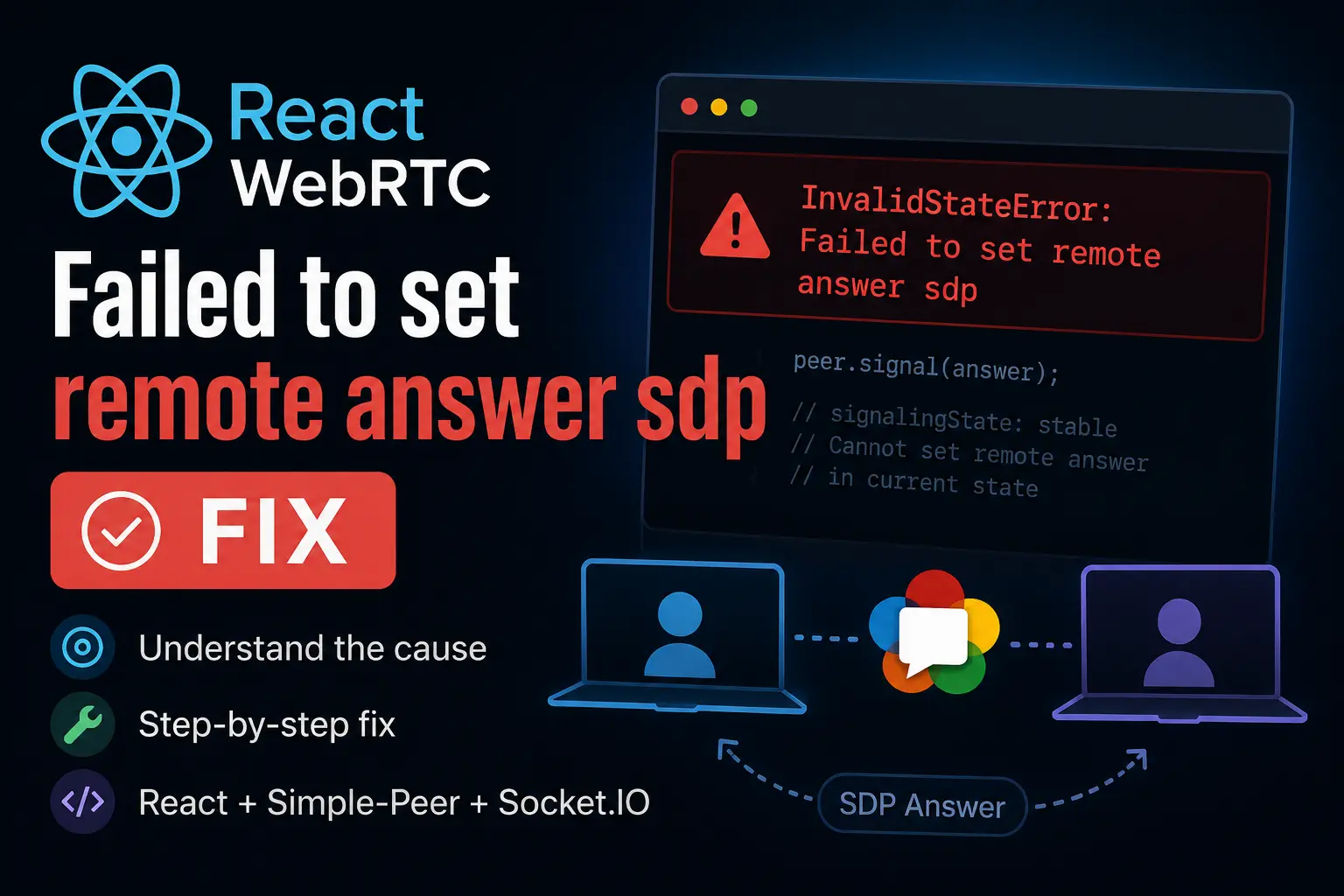
React WebRTC: Failed to set remote answer sdp Fix
Spent hours debugging InvalidStateError: Failed to set remote answer sdp in a React WebRTC application using Simple-Peer and Socket.IO. The real issue was not the SDP itself, but duplicated signaling events, incorrect signaling states, and React lifecycle behavior. Here is the actual cause and the fix that finally worked for me.
If you are building a WebRTC video call application with React and suddenly run into this error:
InvalidStateError: Failed to set remote answer sdpyou are not alone.
I spent hours debugging this issue while building a video call application using React, WebRTC, Simple-Peer, and Socket.IO. At first, everything looked correct:
- signaling server worked
- peers connected
- ICE candidates were exchanged
- SDP data looked valid
But the browser still threw this error randomly.
The annoying part is that the error message itself is not very helpful.
In my case, the actual problem was related to the WebRTC signaling state and duplicate answer handling.
Why this error happens
This error usually appears when you try to set a remote answer SDP while the peer connection is already in the wrong signaling state.
In simpler words:
WebRTC received an SDP answer at a time when it was not expecting one.
This often happens because:
- the same answer is processed multiple times
- both peers create offers simultaneously
- socket events are duplicated
- React components re-render and recreate peers unexpectedly
- signaling logic is executed in the wrong order
My actual issue
In my application, I accidentally handled the answer socket event more than once.
Because of that:
- the first
setRemoteDescription()worked correctly - the second call tried to apply the same SDP again
- WebRTC rejected it with:
Failed to set remote answer sdpAt first, I thought:
- ICE servers were broken
- STUN/TURN configuration was wrong
- SDP format was invalid
None of those were the real problem.
How I fixed it
The fix was surprisingly simple:
- ensure the answer is processed only once
- check the signaling state before applying SDP
- prevent duplicate socket listeners
Incorrect implementation
This is the type of logic that can cause the issue:
socket.on("answer", (answer) => {
peer.signal(answer);
});Looks harmless, but if:
- the listener is registered multiple times
- React re-renders unexpectedly
- the same event is emitted twice
then peer.signal(answer) may run again when the connection is already stable.
Better solution
I fixed it by validating the peer state before signaling:
socket.on("answer", (answer) => {
if (peer._pc.signalingState !== "stable") {
peer.signal(answer);
}
});I also cleaned up old socket listeners properly:
useEffect(() => {
socket.on("answer", handleAnswer);
return () => {
socket.off("answer", handleAnswer);
};
}, []);This completely solved the problem for me.
Another common cause in React
React Strict Mode can also make this issue much worse during development.
In development mode, React may intentionally run effects twice.
That means:
- peers can be created twice
- socket listeners can be duplicated
- SDP answers can be processed multiple times
If you only see the issue in development but not production, this is a strong clue.
Things to check
If you are still stuck, verify these things carefully:
1. Avoid duplicate socket listeners
Bad:
socket.on("answer", callback);inside components that re-render frequently.
Better:
- use
useEffect - clean up listeners properly
- avoid re-registering events
2. Do not recreate peers accidentally
A common mistake:
const peer = new Peer();inside render logic.
Use:
useRef- stable initialization
- proper cleanup
instead.
3. Prevent double signaling
Before calling:
peer.signal(data);make sure:
- the peer still exists
- signaling state is valid
- the same SDP was not already applied
4. Check signaling order
Correct order:
- offer created
- offer sent
- answer created
- answer returned
- answer applied once
If events arrive out of order, WebRTC becomes very unhappy.
Debugging tip that helped me a lot
Log the signaling state before applying SDP:
console.log(peer._pc.signalingState);Common states:
stablehave-local-offerhave-remote-offer
If you try to apply an answer while already in stable, the browser will likely throw this error.
Final thoughts
This bug was much more frustrating than I expected because the actual issue was not the SDP itself.
The real problem was:
- duplicated events
- incorrect signaling flow
- React lifecycle behavior
If you are using:
- React
- WebRTC
- Simple-Peer
- Socket.IO
there is a very high chance your issue is also related to signaling state management.
Hopefully this saves you a few hours of debugging.
Tags
Related posts

Why design and engineering still drift apart in modern product teams
Modern product teams still struggle with the gap between design intent and shipped software. This article explores why designers and engineers often see products differently, how handoff culture creates drift, and why design engineering may be the key to building more cohesive digital experiences.

How Designers Can Build Better Collaboration With Engineers
Strong products are rarely built by design or engineering alone. This article explores practical ways designers can collaborate more effectively with engineers, from understanding technical constraints and speaking the same language to improving communication, QA, and product workflows.
Why the best product teams are moving away from design handoffs
Traditional design handoffs often create communication gaps between designers and developers, leading to slow workflows, implementation issues, and products that drift away from the original vision. This article explores why modern product teams are replacing handoff culture with continuous collaboration, shared prototypes, and tighter design-engineering workflows.